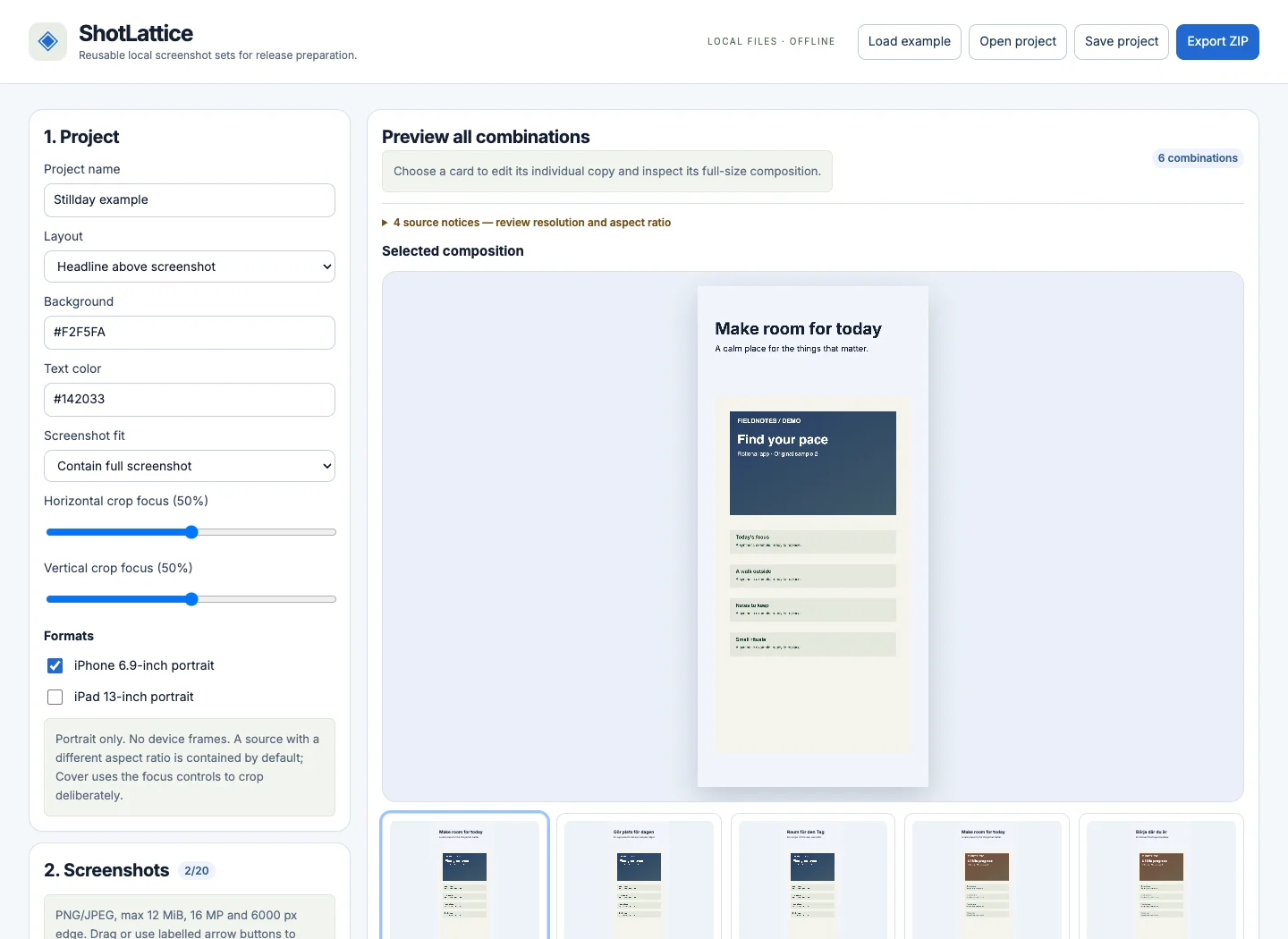
ShotLattice
Prepare your app screenshots in multiple languages.
Keep your app screenshots, copy and layouts together. Preview every language and format, then export a consistent image set directly on your Mac.
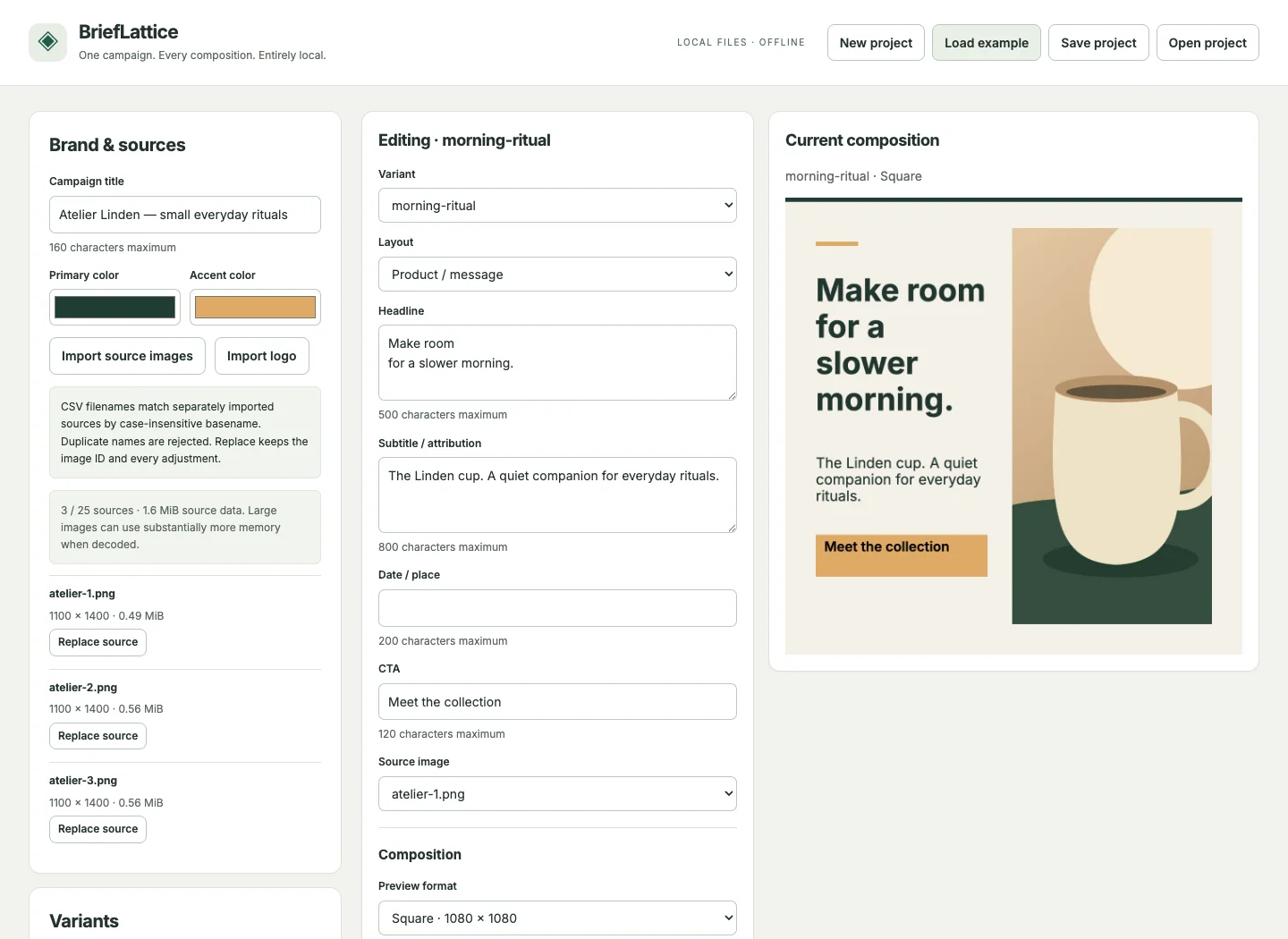
BriefLattice · One-time purchase
BriefLattice lets you enter local images and variant copy once, adjust each output format, and review the whole set before export. It suits product messages, event details, or quotes that need to stay consistent from square to story.
$29 USD · one-time purchase
Prices in USD. Final price and any tax are shown on Gumroad.
Tested on Mac in Chrome and Safari
Works offline. No account in the tool.
Who is it for?
For designers and marketers who need a focused local workflow for a small image campaign.
Open START.html and import local images plus UTF-8 CSV copy.
Choose a layout and adjust the composition for each variant and format.
Review the contact sheet and export the ordered ZIP file.
Yes. Save the portable JSON project and reopen it in a compatible browser.
The affected composition is reported and export remains blocked until you shorten the copy or adjust the layout or placement.
No. They are the product's supported pixel dimensions. Always check the current platform requirements.
ShotLattice
Keep your app screenshots, copy and layouts together. Preview every language and format, then export a consistent image set directly on your Mac.
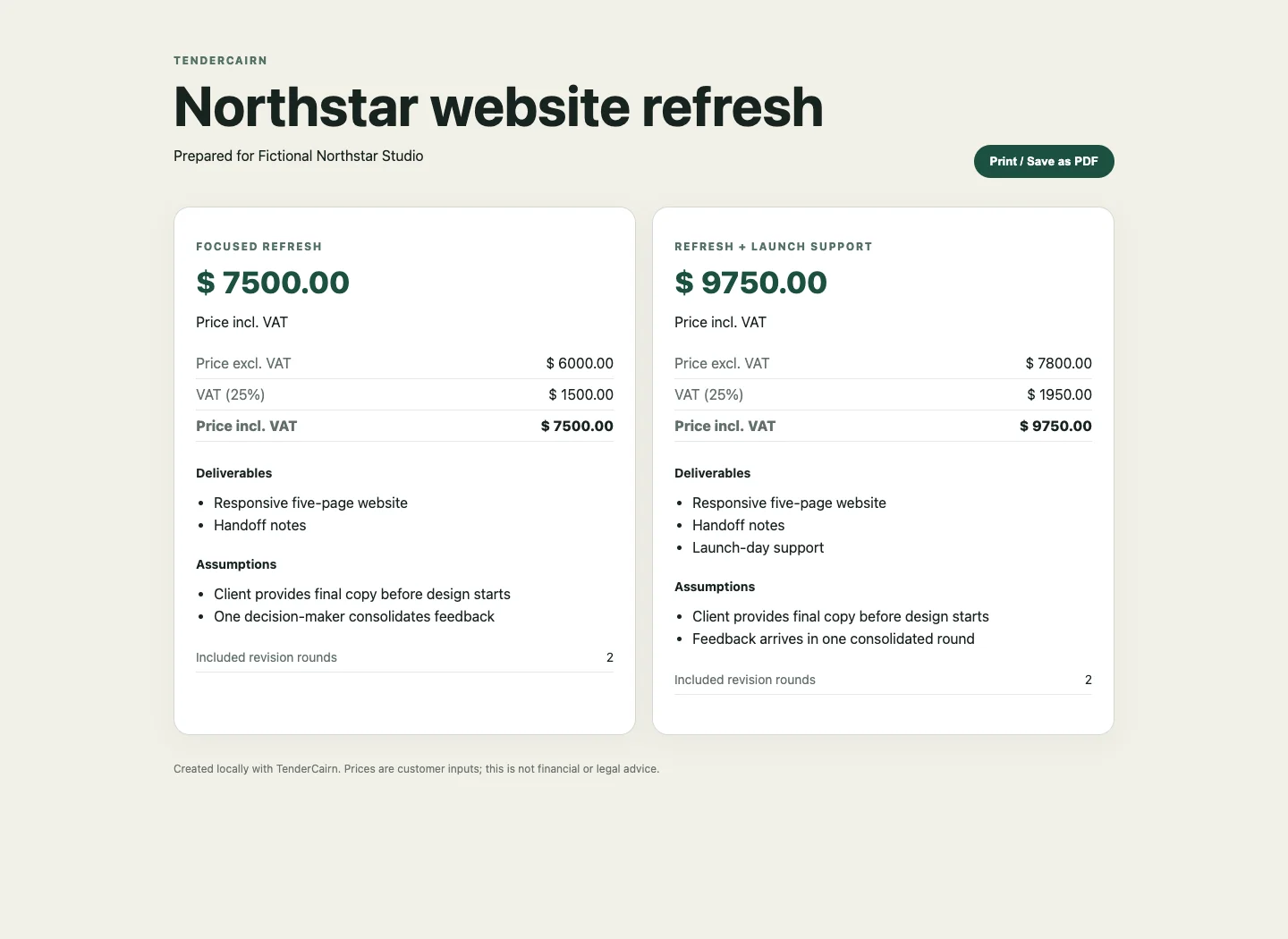
TenderCairn
TenderCairn is a local working tool for freelancers and designers who want to see how scope, revisions, and extra work affect a fixed-price proposal before sending it.
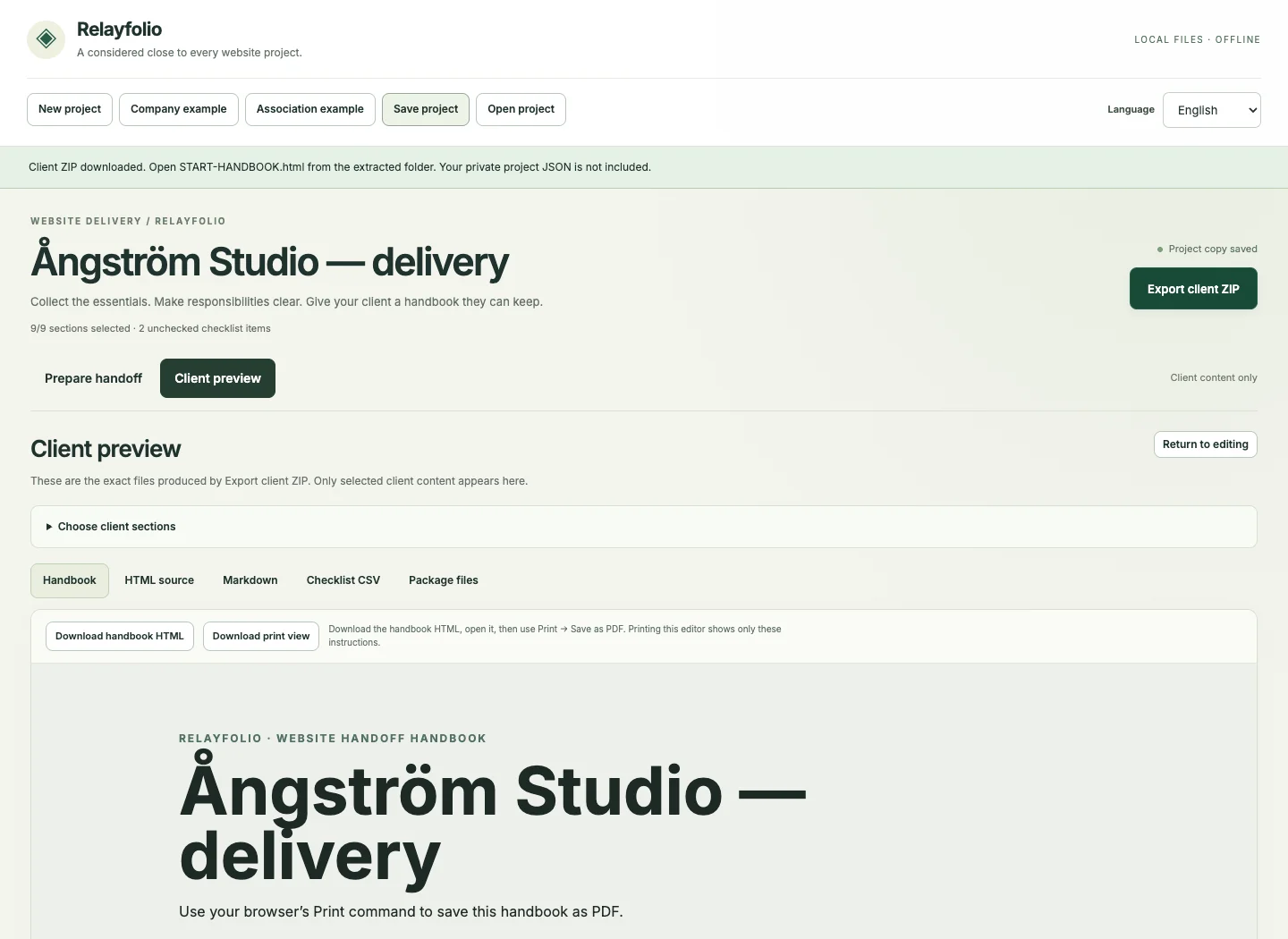
Relayfolio
Relayfolio helps you make a clear client version of a website project without mixing in internal notes. Choose sections, checklist items, and instructions, then export a local package for the client's next steps.